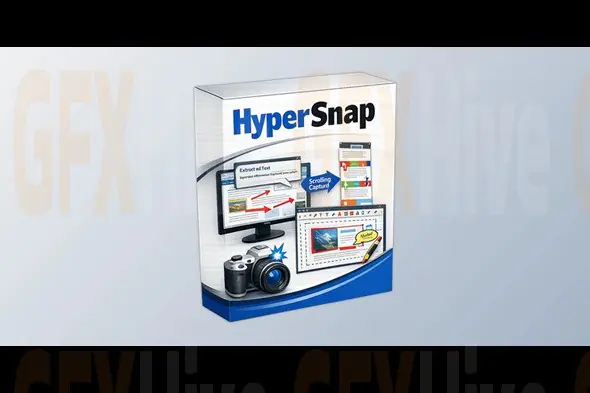
Hyperionics HyperSnap v10.2.1 is a feature-rich screen capture and image editing application designed for professionals, developers, educators, technical writers, content creators, and business users who need accurate and high-quality screenshots. It provides advanced screen capturing capabilities that go beyond standard Windows screenshot tools, making it an ideal solution for creating tutorials, software documentation, presentations, manuals, and visual guides.
The software supports capturing full screens, active windows, custom regions, scrolling web pages, long documents, menus, multi-monitor setups, and application windows that are difficult to capture using traditional methods. Its scrolling capture functionality is particularly useful for documenting lengthy webpages, spreadsheets, chat conversations, and reports.
HyperSnap includes an integrated image editor that allows users to crop, resize, rotate, sharpen, blur, highlight, and annotate screenshots with arrows, text boxes, callouts, stamps, and shapes. These editing features help create professional-looking documentation without requiring additional graphic design software.
Designed to improve workflow efficiency, HyperSnap offers customizable hotkeys, automatic file naming, clipboard support, batch processing, timed captures, and multiple export options. Users can quickly organize and share screenshots in various image formats, making collaboration and documentation faster and more efficient.
The software is optimized for Windows and delivers excellent performance while remaining lightweight and easy to use. Its intuitive interface makes it suitable for both beginners and advanced users, while its extensive customization options provide flexibility for professional environments.
Whether you're creating user manuals, recording software issues, preparing training materials, producing educational content, or capturing high-resolution screenshots for presentations, Hyperionics HyperSnap v10.2.1 provides a reliable and comprehensive screen capture solution that enhances productivity and simplifies visual communication.
Subscribe to access unlimited downloads of themes, videos, graphics, plugins, and more premium assets for your creative needs.
Published:
Aug 03, 2026 11:06 AM
Version:
v10.2.1
Category: