Learn Adobe Firefly: Experiment with Generative AI Image Creation is a complete learning guide designed to introduce you to the powerful world of Adobe’s generative AI technology. As the demand for AI-driven creativity grows, Adobe Firefly stands out as a sophisticated platform that transforms text into high-quality visuals with precision and artistic flair. This course is built for learners who want to harness Firefly’s capabilities and enhance their creative workflow with cutting-edge AI tools.
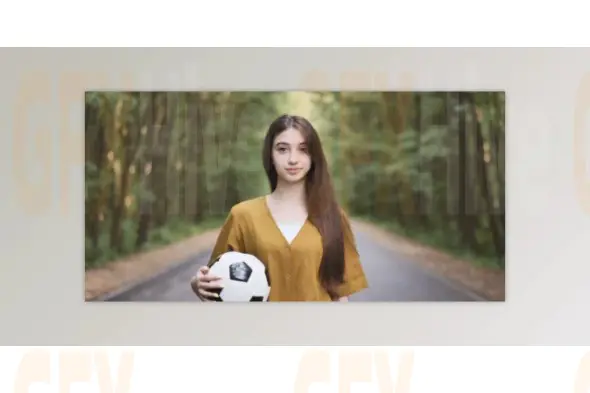
Throughout the course, you’ll explore Adobe Firefly’s extensive feature set while gaining hands-on experience with its intuitive design environment. You’ll begin by learning how Firefly converts text prompts into detailed and expressive images, providing endless creative possibilities. The text-to-image feature allows you to experiment with different styles, scenes, and artistic concepts effortlessly.
Next, you’ll dive into Generative Fill, one of Firefly’s most impressive tools. This feature allows you to add or remove objects from images seamlessly, enabling powerful modifications and creative storytelling. Whether you're fixing a composition or enhancing a design, Generative Fill offers a natural and efficient way to manipulate visual elements.
You will also explore Firefly’s text effects, transforming written content into eye-catching visual designs. These effects help elevate branding, social media posts, and creative layouts by adding unique typographic flair. The Generative Recolor feature introduces the ability to adjust and redesign color palettes dynamically, giving your artwork a fresh and polished appearance with minimal effort.
As the course progresses, you’ll learn how to convert text into professional template layouts and generate vector graphics directly from written descriptions—an invaluable tool for designers, illustrators, and branding specialists. These features expand your creative horizon and streamline complex design workflows.
Throughout the learning journey, you will complete multiple hands-on projects, receive practical tips, and explore best practices to work efficiently inside Adobe Firefly. By the end of the course, you will confidently use Firefly’s generative AI features to produce visually compelling images, templates, and graphics while sharpening your overall design skills.
Subscribe to access unlimited downloads of themes, videos, graphics, plugins, and more premium assets for your creative needs.
Published:
Nov 21, 2025 10:51 AM
Category: